Your Active Band
Your active band is a personal setting that controls whether your username shows a band tag prefix in the app.
What "active band" means
When you set a band as your active band, your displayed name becomes [TAG] Username everywhere — in rooms, chat, user lists, and so on. It's a per-user setting: it only affects how you appear, not the band itself. Other members of the same band each control their own active band independently.
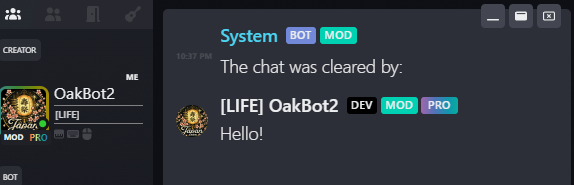
Setting an active band
Open the Bands modal, stay on the My Bands tab, and select the band you'd like to make active. Use the "Set as active" action on its detail view.
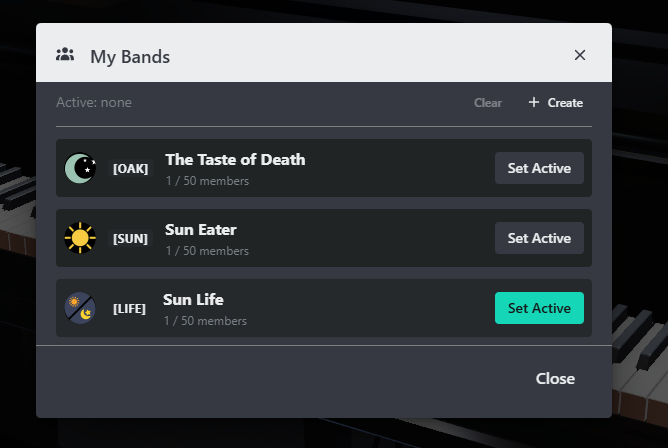
Once set, your name updates everywhere in the app immediately.
Clearing your active band
If you'd rather show no tag at all, clear your active band from the same view. Your name reverts to just your username.
Switching between bands
If you belong to more than one band, you can have only one active band at a time. Setting a different band as active replaces the previous one — there's no need to clear the old one first.