Band Profile Image
Each band can have a profile image that shows up next to the band name in the Bands modal, member lists, and other UI surfaces.
Uploading an image (Owner)
Only the band's owner can change its profile image. From the band's detail view in the Bands modal, click the avatar (or the Change band image button) to open the uploader.
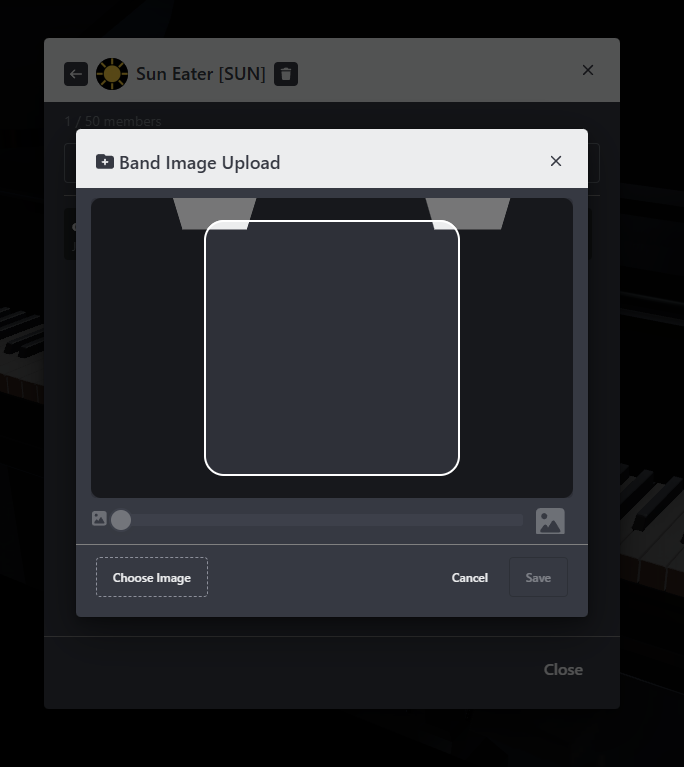
0.9.9This screenshot was taken in version: 0.9.9
- Supported formats: JPEG and PNG.
- After upload, the new image appears immediately wherever the band is displayed.
note
Image URLs include a cache-busting version, so updates show up right away without needing to refresh.
Where the image appears
- Bands modal — alongside each band, in both the My Bands and Bands tabs.
- Member list — at the top of the members view for the band.
- Other surfaces in the app that reference the band.
If no image has been uploaded, a placeholder avatar generated from the band's name is shown instead.
Removing the image (Owner)
To go back to the auto-generated avatar, use the remove action from the same view. You'll be asked to confirm before the image is removed.
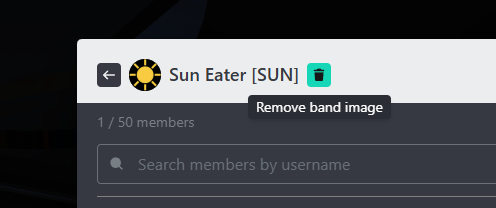
0.9.9This screenshot was taken in version: 0.9.9